

All-in-One AI Video Enhancer & Toolkit for Everyday Use

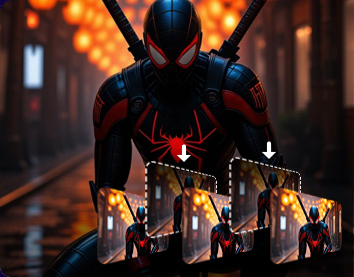
Macxvideo AI combines AI enhancement and essential media tools in one easy-to-use app. It upscales videos to 4K and images to 10K, boosts frame rates up to 480 FPS, stabilizes shaky footage, restore facial details, colorizes old photos, and reduces background noise with intelligent AI. More than an enhancer, it also includes video editing, video conversion, compression, and screen recording powered by hardware acceleration for smooth performance.

For Vloggers & Hobbyists

Fix Shaky, Grainy & Low-Resolution Videos and Images with AI

Got blurry legacy memories, noisy low-light or indoor videos, shaky action or outdoor footage, or heavily compressed mobile and social media clips from TikTok, Instagram, or WhatsApp? Winxvideo AI uses advanced video and image enhancement to restore lost details, upscale low-resolution content to 4K, even up to 10K for images - remove grain and artifacts, stabilize handheld shots, sharpen soft frames, and optimize large files for smoother editing, sharing, and playback.

For Sports & Travel Enthusiasts

Stabilize Action and Travel Footage with Clarity

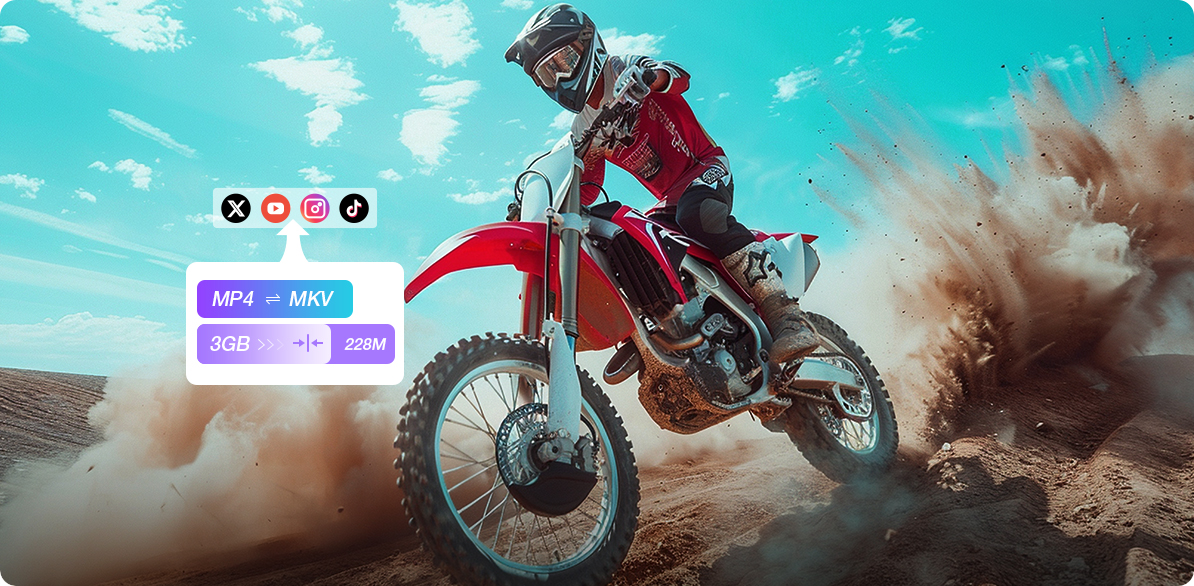
Sports and travel clips captured on GoPro, DJI, or phones can suffer from shake, wind noise, and blur. Macxvideo AI stabilizes footage, sharpens details, and reduces unwanted noise for clearer results. Merge multiple clips into smooth highlights, then compress and convert your videos for easy sharing without compromising quality.

  • Fix blurry and shaky clips

    Smooth out shakes and improve clarity for all your extreme sports videos.

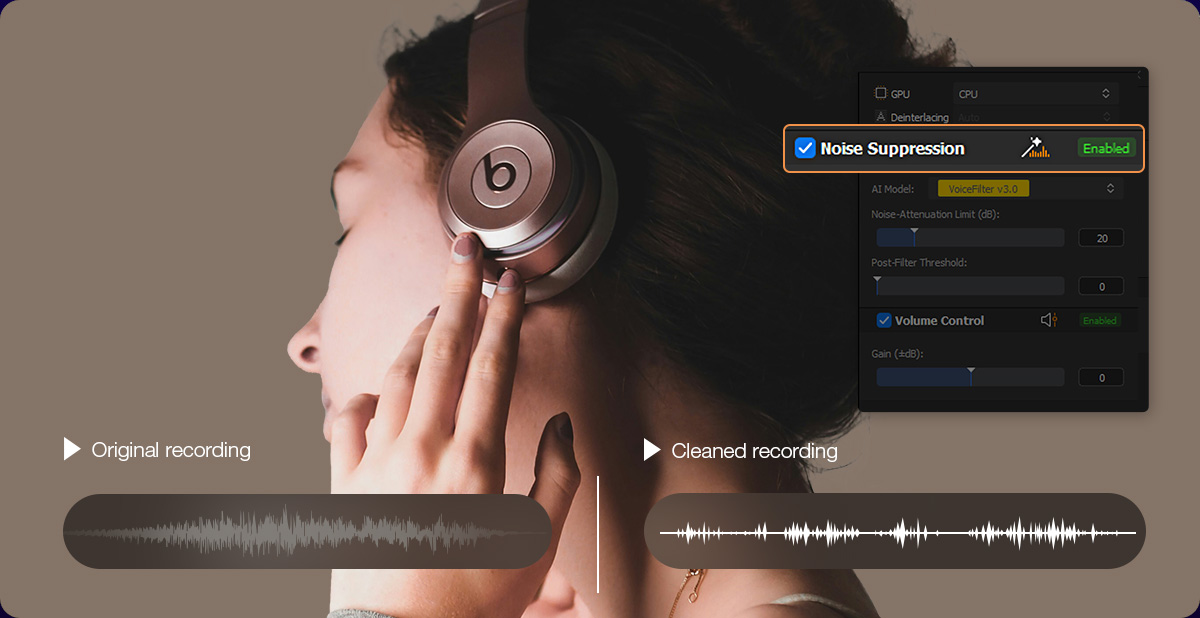
  • Remove wind noise

    Clean audio tracks for clearer sound, even in the windiest conditions.

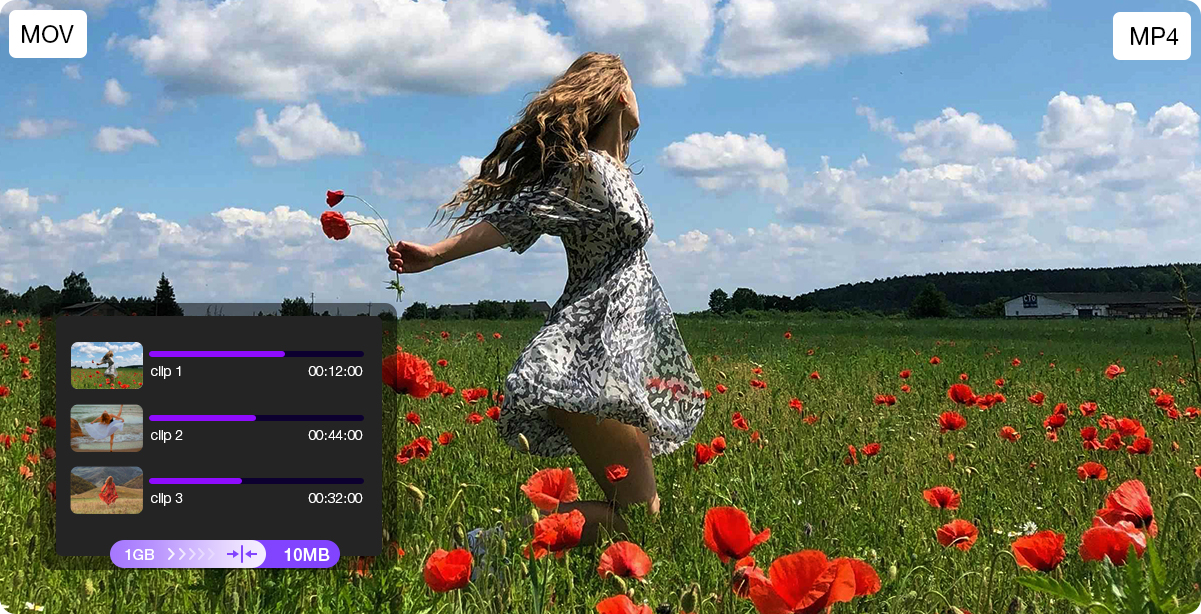
  • Cut and merge clips easily

    Cut, merge, and edit your highlights seamlessly to create engaging stories.

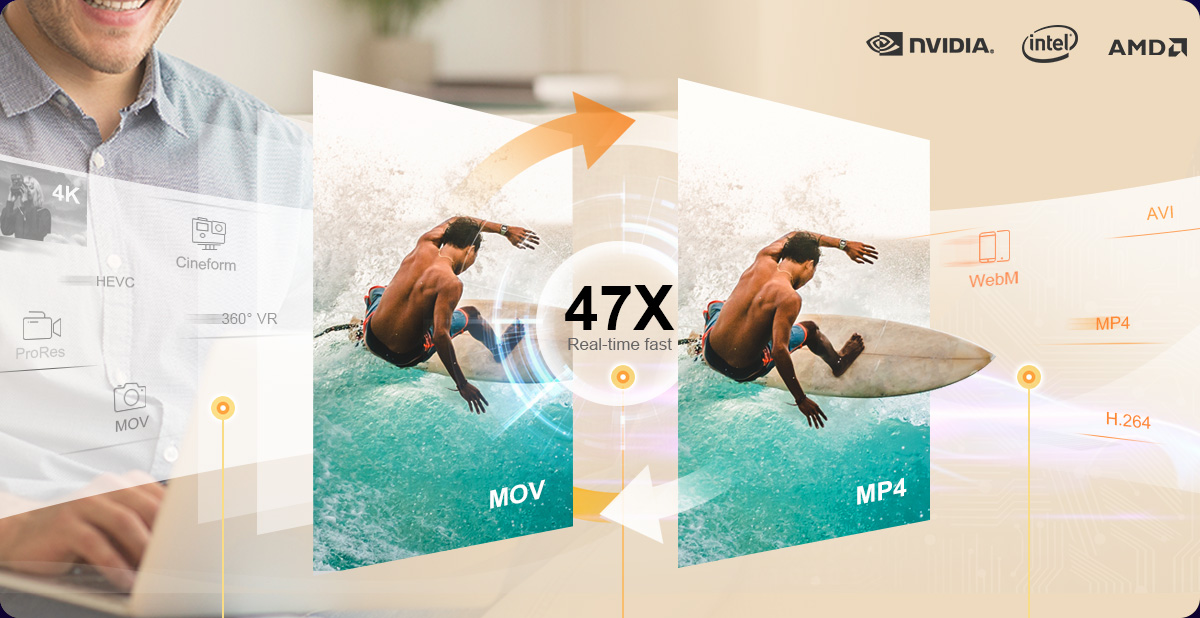
  • Batch compress & convert

    Reduce file size without losing quality to share and store your adventure clips easily.

  • Stabilize & Sharpen

  • Remove Noise

  • Cut & Merge

  • Compress & Convert

For Gamers & Social Content Creators

Record Smooth, High-Quality 4K Gameplay and Social Content

Lag, noise, or motion blur don’t have to ruin your best moments. Macxvideo AI records smooth 4K gameplay and enhances video and audio for clearer, more polished results. From gameplay highlights to short-form social clips, easily create and share content on Twitch, YouTube, or Shorts.

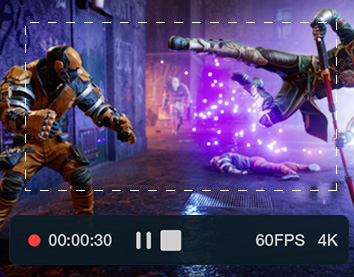
  • Record Gameplay in Ultra Clarity

    Capture your best moments in crisp 4K at 60fps with smooth motion and stable performance—perfect for highlights, walkthroughs, or short-form social clips.

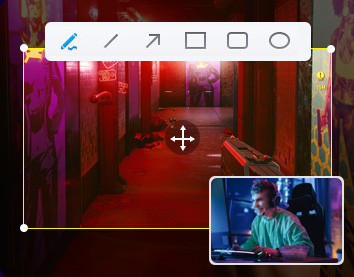
  • Teach with Picture-in-Picture

    Add webcam overlay, voice recording, and real-time annotations to create engaging gameplay videos, reactions, or quick tutorials for your audience.

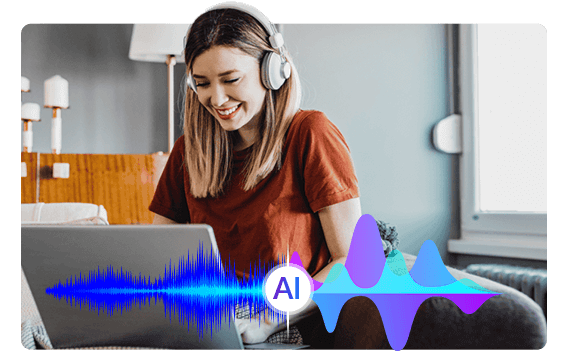
  • Remove Keyboard and Background Noise

    Macxvideo AI reduces keyboard clicks, voice chat overlap, and microphone interference, delivering cleaner voiceovers and commentary during gameplay or streaming.

  • Boost FPS for Smoother Playback

    Enhance playback fluidity by converting lower frame rate videos into smoother 120fps, 240fps, or higher—ideal for cinematic replays and highlight clips.

  • Optimize for Any Platform

    Trim unwanted parts, merge key moments, compress file sizes, and auto-adjust formats for easy upload to YouTube, Twitch, TikTok, and more.

For Professsionals

Get Studio-Grade Audio/Visual Quality with AI-Driven Tools

Macxvideo AI delivers studio-level enhancements tailored for professionals. Whether you're creating videos, restoring films, or producing high-quality audio-visual content, these tools offer precise control, stunning output, and time-saving automation to meet demanding production needs.

  • Video Creators

    Enhance Visuals and Grow Your Audience

    Engage your audience with clearer, sharper videos. Whether reviewing tech, unboxing, or creating tutorials, Macxvideo AI enhances visuals to 4K, reduces noise, and exports platform-ready files—turning casual views into loyal followers.

    #Unboxing #Reviews #AIGC

  • Film Enthusiasts

    Upscale and Restore Classics with AI

    Bring old movies, DVDRips, VHS tapes, and archival footages back to life by AI-driving restoration, upscaling, face recovery, and detail creation-perfect for film archivists, restorers, and cinephiles.

    #ClassicMovies #DVDRips #HomeRecording

  • Music & Audio Creator

    Reach More Listeners with Clear Audio Quality

    Make your music videos, podcasts, and concert recordings sound & look professional. Macxvideo AI removes background noise, balances audio levels, sharepens video details—perfect for musicians, producers, and podcasters aiming for polished, studio-quality results.

    #LiveConcerts #MusicVideos #Podcasts

For Business & Educators

Produce Clear Video Faster- No Editing Skills Needed


Macxvideo AI helps professionals create clear, engaging, and easy-to-understand videos. From marketing campaigns to remote classes, optimize video quality, compress files, and reduce noise for seamless delivery and impact.

  • Marketing VideosCreate Impactful Marketing Videos

    Boost visuals, sharpen details, and compress large files in batches without quality loss—perfect for engaging online campaigns and social media ads.

  • Demos, Tutorials & TrainingEfficient Product Demo and Tutorial Processing

    Improve video clarity and audio, and convert formats across multiple videos- deliver professional product demos, guides, and corporate training at scale. Keep teams and clients engaged while improving training and onboarding.

  • Webinars & MeetingsPolish Your Webinars and Meetings

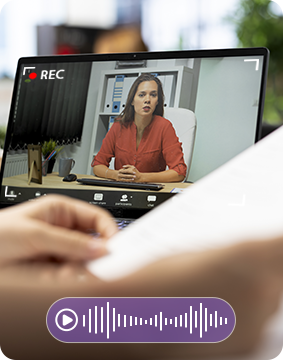
    Reduce background noise, compress videos for easy sharing, and enhance video quality to keep your remote sessions clear and engaging.

  • Online CoursesOptimize Videos for Online Courses

    Batch compress and convert educational contents, remove noise, and enhance video clarity to ensure smooth playback on any device or platform.

  • Classroom Presentations Enhance Classroom Presentations

    Stabilize shaky footage, improve audio quality, and compress files for easy distribution, making your classroom videos professional and accessible.

Trusted by 200+ tech experts

We Are MACXDVD

  • Cult of Mac
    Rajesh Pandey

    It makes it easier than ever to repackage your favorite videos including TV shows and your own recordings for playback on your mobile devices with 32X faster speed and great quality.

  • macitynet

    One of the distinctive elements of Macxvideo AI lies in the combination of AI models for video and images , which are designed to improve details, colors and sharpness even on old or compressed materials.

  • MAC4EVER
    Didier Pulicani

    Macxvideo AI now offers advanced face and detail restoration, which corrects blur, reveals hidden textures, and restores natural tones with stunning precision. Eyes gain sharpness, skin regains its smoothness, and forgotten details come back to life.

  • idownloadblog

    You can use the AI-infused tools to upscale low-res art, photos, and images to 4K, 8K, or even 10K resolution to make them suitable for things like printing or archiving.

  • MacMagazine

    Macxvideo AI employs advanced upscaling to enhance edges, eliminate noise, and boost image resolution to 1080p—or even 4K. Colors become richer, motion remains smooth, and compression artifacts vanish. What was once grainy and lackluster now appears crisp, balanced, and ready for modern displays.

Popular Questions

Which AI model works best for enhancing grainy videos?

For low-light dim footage, use Macxvideo AI's AI Super Resolution model, which is specifically trained to handle low-light clips, grainy footages. It can even reduce blur, and compress artifacts with great result.

Can I process multiple videos at once?

Yes, Macxvideo AI supports bulk enhancing and batch processing. Simply drag and drop multiple files, and the software will automatically apply the selected enhancement model to all videos, or compress and convert multiple videos simultaneously. This saves time for many content creators and business users with large workloads.

How fast is the processing speed with high-resolution clips?

With GPU acceleration and optimized AI models tailored for vlogs, fast-action contents, and more, upscaling a 5-minute 720p clip to 1080P took under 30 seconds on most modern systems according to Macxvideo AI performance test. Performance may vary slightly depending on hardware and selected enhancement options.

Is the tool beginner-friendly for vloggers or teachers with no editing experience?

Absolutely. The interface is designed for ease of use, with one-click presets, real-time previews, and no need for manual parameter tweaking.

Will compression affect my video quality?

No. Macxvideo AI uses smart compression algorithms that reduce file size without noticeable quality loss—ideal for online classes, presentations, and fast uploads.

Does it support both portrait and landscape formats for social media?

Yes. You can take advantages of its video cropping feature to change the aspect ratio to 9:16 (for TikTok and Reels, 1:1 for Instagram, or 16:9 for YouTube without losing quality.

Home | About | Site Map | Privacy Policy | Terms and Conditions | Resource | News | Contact Us

Copyright © 2026 Digiarty Software, Inc (MacXDVD). All rights reserved

Apple, the Apple logo, Mac, iPhone, iPad, iPod and iTunes are trademarks of Apple Inc, registered in the U.S. and other countries. Digiarty Software is not developed by or affiliated with Apple Inc.