


Home > MacX iPad DVD Video Converter Pack
MacX iPad DVD Video Converter Pack - Convert any DVDs and videos to iPad, Apple TV, MP4, MOV, M4V, etc on Mac OS
Time-limited Special Offer: $59.95, $29.95
Buy iPad Pack Get iPhone Mounter for FREE

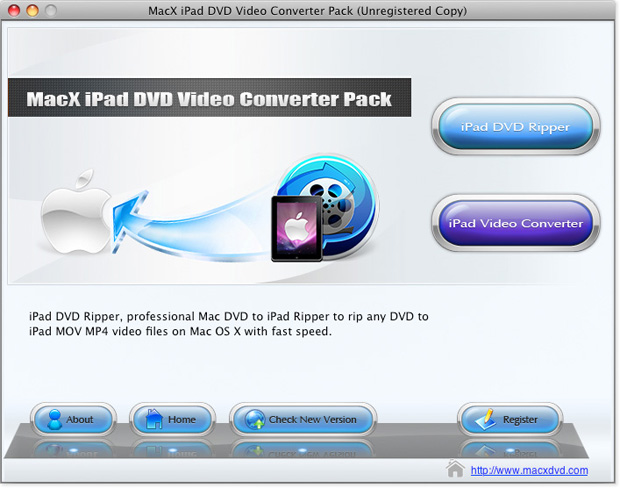
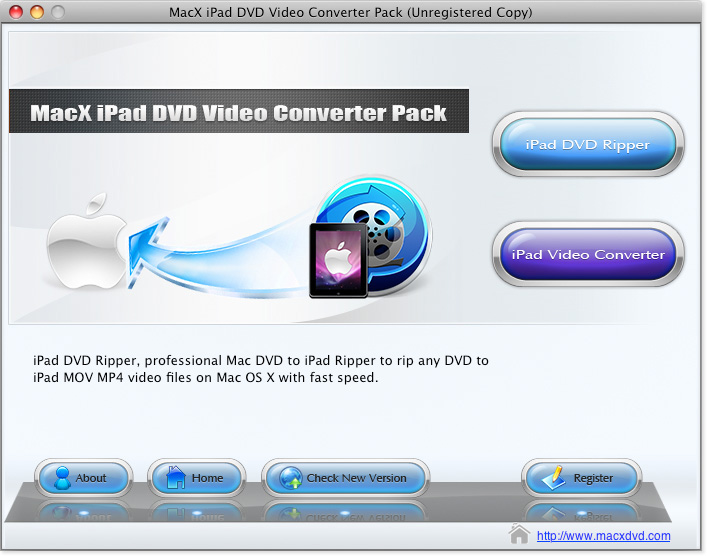
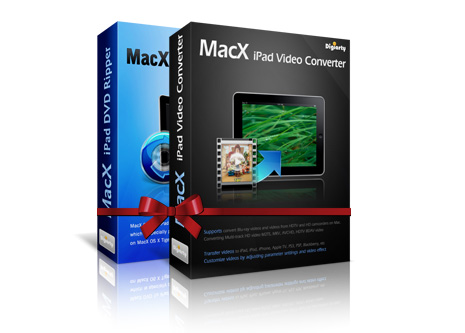
MacX iPad DVD Video Converter Pack consists of MacX iPad DVD Ripper and MacX iPad Video Converter, allowing you to convert both homemade and commercial DVDs to iPad, iPad Pro, iPad 2/3/4, iPad Mini 2/3/4/5, iPad Air/2 compatible video and audio formats, MP4, H.264, MPEG4, MOV, etc., along with the ability of converting any video formats to iPad, even extracting audio from DVD and video to save as MP3 music file.
With this iPad converter pack, you can rip protected DVD movies, even if the newly released DVDs like Venom, and convert HD & SD videos, including MKV, AVCHD, M2TS, MTS, MOD, etc for enjoy them on iPad wherever you go.


MacX DVD Video Converter Pro Pack
Pack with MacX DVD Ripper Pro and MacX Video Converter Pro. Easily convert any DVDs and videos to the formats you need.
Special Offer: $109.90, $45.95 Save: 60%

MacX iPhone DVD Video Converter Pack
Packed with MacX iPhone Video Converter and iPhone DVD Ripper, it allows you to convert any DVD and video to iPhone, iPod, iPad, etc.
Special Offer: $79.90, $34.95 Save: 55%
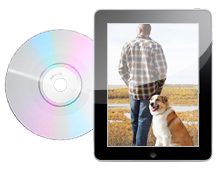
Rip Protected DVD to iPad and Apple TV compatible formats
This Pack provides you Mac DVD ripper for iPad to convert DVD to iPad MP4, H.264, MPEG4, MOV video formats from any DVDs, even the new DVD movies protected by CSS encryption, Sony ARccOS, region protection, 99-title Disney DVD movie copy protection. Its unique DVD analysis tech enables to choose the right title and output file in order without any possible DVD errors.

Convert AVCHD, M2TS, MKV, AVI, FLV to iPad on Mac
Also working as an iPad video converter for Mac, it's capable of converting all popular video to iPad, including4K UHD, HD, SD videos. You are allowed to convert BDAV, TrueHD, MKV, M2TS, AVCHD, MOD, WMV, FLV, AVI to iPad supported video and audio formats for enjoy them on your iPad Air, iPad/2/3/4, iPad Mini and even the newly released iPad Pro with retina display anywhere anytime you like.
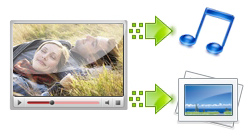
Capture Picture and Extract Audio from DVD or Video
It also assists you to extract audio from your own DVD, video files by specifying the start time and end time or dragging the slide bar. Or take snapshot from the input files by clicking the Snapshot button under the preview windows to save as PNG picture format.
Customize Output Parameter Settings
The flexible parameter settings allows you to make personalized videos by adjusting video resolution, frame rate, video bitrat, audio bitrate, audio volume and change aspect ratio that perfectly fit your iPad. Additionally, with multi core CPU and high quality engine supported, you can convert DVD and video to iPad at fastest speed (up to 8x real time converting speed) without losing output quality.
Trim/Crop/Merge Video, Add Watermark and Subtitle
You are allowed to trim video segment and remove the advertisement, FBI warning, introduction, etc to make stylish videos by your own. It only takes one click to cut off unwanted part and crop the video size to better suit your iPad screen, add personalized watermark and even plug in external subtitle to suit your diverisifed needs
Create Funny Photo Slideshow with Music
Embedded with excellent slideshow making feature, this program helps you create stunning slideshow from your numurous photos with background music. Just a simple click, your photos are transformed into Hollywood-like slideshow and you can share it on your iPad and Apple TV effortlessly.
High speed conversion and Easy to Use
Simple and user-friendly interface make it easy to use for beginner, let alone the experienced users. It takes only a few clicks to convert DVD movies/video to iPad. And with multi-core CPU, hyper threading and batch process supported, it maximizes the conversion speed for you.




Input Format Supported
Input DVD |
The latest encrypted DVD, Normal DVD, CSS protected DVD, region 1-6, Sony ArccOS, Commercial DVD |
|
Input Video Files |
High Definition Video |
AVCHD Video (*.mts, *.m2ts), HEVC (*.mp4), H.264/MPEG-4 AVC (*.mp4), MPEG2 HD Video (*.mpg; *.mpeg), MPEG-4 TS HD Video (*.ts), MPEG-2 TS HD Video (*.ts), Quick Time HD Video (*.mov), WMV HD Video (*.wmv, *.xwmv), Blu-ray Video (*.mts, *.m2ts), HDTV Video (*.ts), Matroska Video (*.mkv) |
Video Camcorder |
JVC HD camcorder Video (*.mod, *.tod), Sony HD camcorder Video (*.mts, *.m2ts), Panasonic & Canon HD camcorder Video |
|
Standard Definition Video |
AVI, MPEG, WMV, MP4, FLV, F4V, HEVC, H.264/MPEG-4, DivX, XviD, MOV, RM, RMVB, VOB, ASF, 3GP, 3G2, QT, DAT, AVI, MPEG, WMV, MP4, FLV, F4V, H.264/MPEG-4, DivX, XviD, MOV, RM, RMVB, VOB, ASF, 3GP, 3G2, QT, DAT, Google TV, WebM, Vpx 8 |
|
Photo & Picture |
JPG, PNG, BMP |
|
Output Format Supported
Output File Format |
iPad Pro, iPad (iPad Wi-Fi, iPad Wi-Fi+3G, iPad 16GB, iPad 32GB, iPad 64GB), iPad 2, New iPad, iPad 4, iPad Mini/5, iPad Air, iPad Mini with Retina display, Apple TV, MOV, MP4, M4V, MP3, AAC, iPhone Ringtone, AC3, WMA, AIFF, CAF, DTS, OGG, AU, RA, WAV (Lossless Audio), FLAC (Lossless Audio), ALAC (Lossless Audio), PNG |
|
Platform |
Mac OS X Tiger/Leopard/Snow Leopard/Lion/Mountain Lion/Mavericks/Yosemite/El Capitan/macOS Sierra/macOS High Sierra/macOS Mojave |
|





This product is one of the best software I have ever used. It helps me successfully choose the right audio track from my HD camcorder videos and remove the subtitle with ease. Everything worked as expected. The conversion speed is much faster than I imagine. And I can trim the video segment to get the favorite clips to New iPad.
- Comment by Steve
This iPad converter software works great to rip DVDs and convert videos that downloaded from YouTube to mp4 files for playback on my iPad. It even supports ripping the encrypted DVD movies which even can’t be recognized by other similar Mac iPad converter.
- Comment by PaulRelated Products
Pack with MacX DVD Ripper Pro and MacX Video Converter Pro. You can backup all your DVD movies into Mac or convert DVD and video to iPhone, iPad, iPod, MOV, MP4 and more with fast speed and high quality.
Special Offer: $109.90, $45.95 Save: 60%

Packed with MacX iPhone Video Converter and MacX iPhone DVD Ripper, it allows you to rip any DVD and convert all popular used videos (including both HD and SD videos) to iPhone, iPod, iPad, MOV, MP4, MP3 etc with fast speed.
Special Offer: $79.90, $34.95 Save: 55%
I had the problem of converting some format. E-mail:support@macxdvd.com
Home | About | Site Map | Privacy Policy | Terms and Conditions | License Agreement | Affiliate | News | Contact Us
Copyright © 2024 Digiarty Software, Inc (MacXDVD). All rights reserved
Apple, the Apple logo, Mac, iPhone, iPad, iPod and iTunes are trademarks of Apple Inc, registered in the U.S. and other countries.
Digiarty Software is not developed by or affiliated with Apple Inc.